
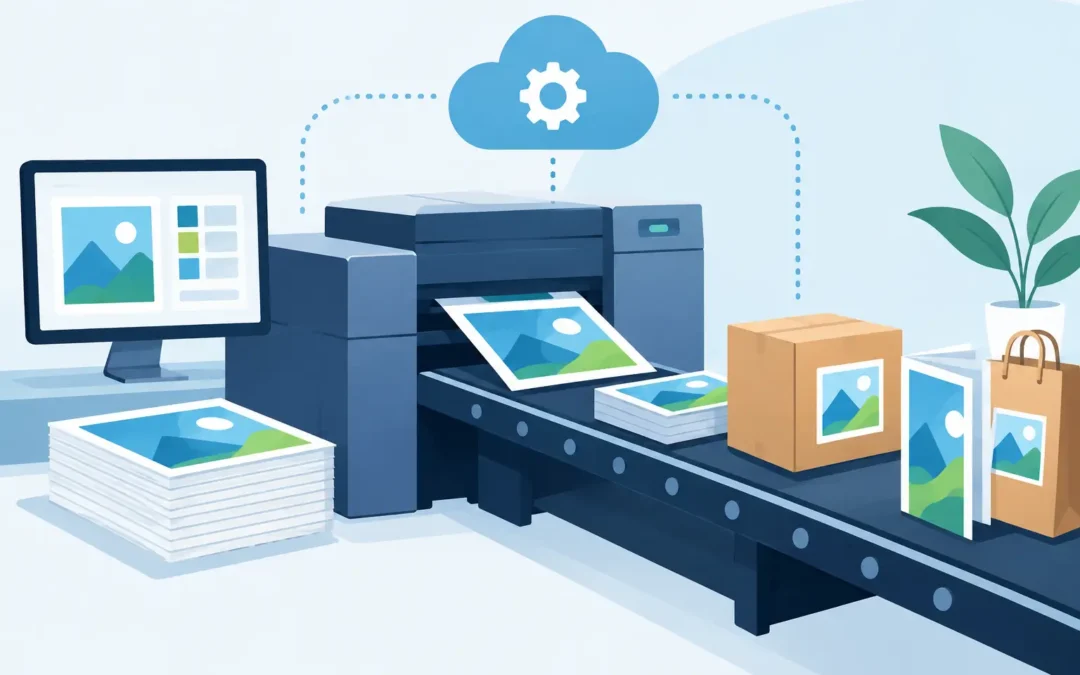
A restaurant needs new menu inserts before Friday service. A real estate team needs property flyers for an open house tomorrow. A corporate office runs out of approved business cards just as a new sales hire starts. Print automation turns these routine, time-sensitive requests into an organized process instead of a chain of emails, file searches, and last-minute corrections.
For growing businesses, print is rarely a one-time purchase. It is an ongoing operational need. The challenge is keeping recurring materials fast to order, accurate, on-brand, and easy to approve without making every employee a print expert.
What Print Automation Actually Does
Print automation uses a controlled online ordering process to manage repeat print materials. Rather than rebuilding an order from scratch, users select preapproved products, work from branded templates where appropriate, enter only the changeable details, and send the job through the right approval path.
That may apply to business cards, letterhead, envelopes, presentation folders, brochures, postcards, event signage, window graphics, banners, and other materials your team orders repeatedly. The goal is not to remove people from every decision. The goal is to remove the repetitive work and prevent the mistakes that slow production down.
A well-built system gives employees a clear path: choose the item, customize approved fields, upload any required content, review the proof, and submit the request. Brand managers or designated approvers retain control over the logo, colors, layout, paper options, and ordering permissions.
For a business with one location, that can mean less back-and-forth and faster reorders. For a company with multiple departments, properties, or locations, it can bring real consistency to a process that otherwise becomes difficult to monitor.
Where Manual Ordering Starts to Cost You
Manual print ordering often works at first. A manager emails a printer, attaches an old PDF, and asks for another run. But as teams grow, that simple method creates expensive friction.
The wrong logo gets used because someone found an outdated file. A salesperson requests a custom business card with a title format that does not match the rest of the company. A local manager changes the wording on a promotional flyer without approval. An event coordinator orders too late because no one knows which product, size, or file format is required.
These are not only design issues. They affect turnaround time, purchasing control, and how customers see your business. A mismatched sign in a hotel lobby or a low-resolution flyer at a trade show can weaken a polished brand experience in seconds.
Print automation creates guardrails. It gives employees enough flexibility to do their jobs while keeping the parts that define your brand protected. That distinction matters. Not every item should be fully customizable, and not every request should require a marketing director’s review.
The Best Uses for Automated Print Ordering
The strongest candidates are materials with a repeatable format and frequent demand. Business cards are a common example because names, titles, phone numbers, and email addresses change, while the design should remain consistent. The same is true for name badges, door hangers, sales sheets, property flyers, menus, direct mail pieces, and location-specific signage.
Hospitality groups can use controlled templates for restaurant promotions, guest information cards, event signage, and in-room collateral. Real estate teams can standardize listing brochures and open-house materials while allowing agents to update property details. Retailers can keep campaign signage consistent across locations, even when each store needs different dates, offers, or contact information.
Corporate teams often benefit most when multiple employees need access. A branded storefront can show only the products each user is authorized to order. A regional manager may be able to request banners and postcards, while a department administrator can order stationery and onboarding kits. Approval rules can be applied based on product type, department, spend level, or customization.
The right setup depends on how much variation your materials require. A completely fixed item may need only a simple reorder button. A sales flyer with changing pricing and contact details may need a template with editable fields. A major campaign or custom display piece may still require one-on-one design support and a detailed proof review.
How to Build a Print Automation Program That Works
Start with the materials your team orders most often, not every product you have ever printed. Look at the past six to twelve months and identify the jobs that create the most repeated emails, approval delays, or file-version problems. Those are the first products worth standardizing.
Next, separate what must stay fixed from what can change. Your logo placement, brand colors, approved fonts, and core layout should generally be locked. Employee contact details, store addresses, event dates, offer language, and property information can be editable when the template is designed to handle those changes properly.
Then decide who needs access and who has final approval. Small businesses may only need one owner or marketing manager to approve select items. Larger organizations may need department-level permissions, location budgets, and a final review step for public-facing campaign materials. Keep the workflow as simple as possible. If every business card needs four approvals, employees will look for ways around the system.
Proofing is still essential. Automation reduces preventable errors, but it cannot confirm that a phone number was entered correctly or that an event date is current. A clear online proof step puts responsibility in the right place before the job reaches production.
Finally, set practical reorder levels for the materials that should never run out. Reception cards, envelopes, menus, sales folders, and event essentials can become urgent very quickly. A consistent ordering portal makes reordering easier, but teams still need a plan for timing, inventory, and delivery.
Speed Matters, but Production Details Still Matter
Automation can shorten the front end of the process dramatically. Orders arrive with cleaner specifications, approved files, and fewer questions. That gives the production team more time to focus on output quality and turnaround.
Still, fast print production depends on the job. Same-day or next-day needs may be possible for qualifying products and print-ready files, while specialty finishes, custom die cuts, large-format installations, or complex booklets may require more lead time. The best process makes those expectations visible before the order is submitted.
File quality also remains a factor. A locked template helps protect layout and resolution, but custom uploads should be reviewed for correct dimensions, bleed, image quality, and color setup. There is a trade-off here: tighter controls can limit creative freedom, but they also reduce production delays and costly reprints.
That is why a capable print partner matters. Self-service ordering should be easy when the job is straightforward, with in-house design support available when the project needs more attention. Sobe Express helps businesses combine that day-to-day ordering convenience with hands-on production support for urgent, high-visibility materials.
Measure the Results Beyond Order Volume
A print automation program should make work easier, but it should also make spending and performance easier to track. Look at how long it takes to place a recurring order, how many revisions happen before approval, how often outdated artwork appears, and how many rush fees result from preventable delays.
You can also measure brand consistency across teams and locations. Are employees ordering from current templates? Are approved products being used for customer-facing materials? Are marketing teams spending less time answering basic ordering questions? These answers show whether the process is actually reducing work or merely moving it to another screen.
For businesses with recurring campaigns, the visibility can be especially valuable. Centralized ordering makes it easier to see which locations ordered a promotion, when materials shipped, and whether a campaign kit was completed. That level of control is difficult to get when every order begins with a separate email thread.
Give Your Team a Faster Way to Stay On-Brand
The best print automation does not make print feel impersonal. It makes routine ordering predictable, protects the details customers notice, and gives your people a faster route to the materials they need. Start with one high-volume product, build a process your team will actually use, and expand only after it is working well.
Recent Comments